
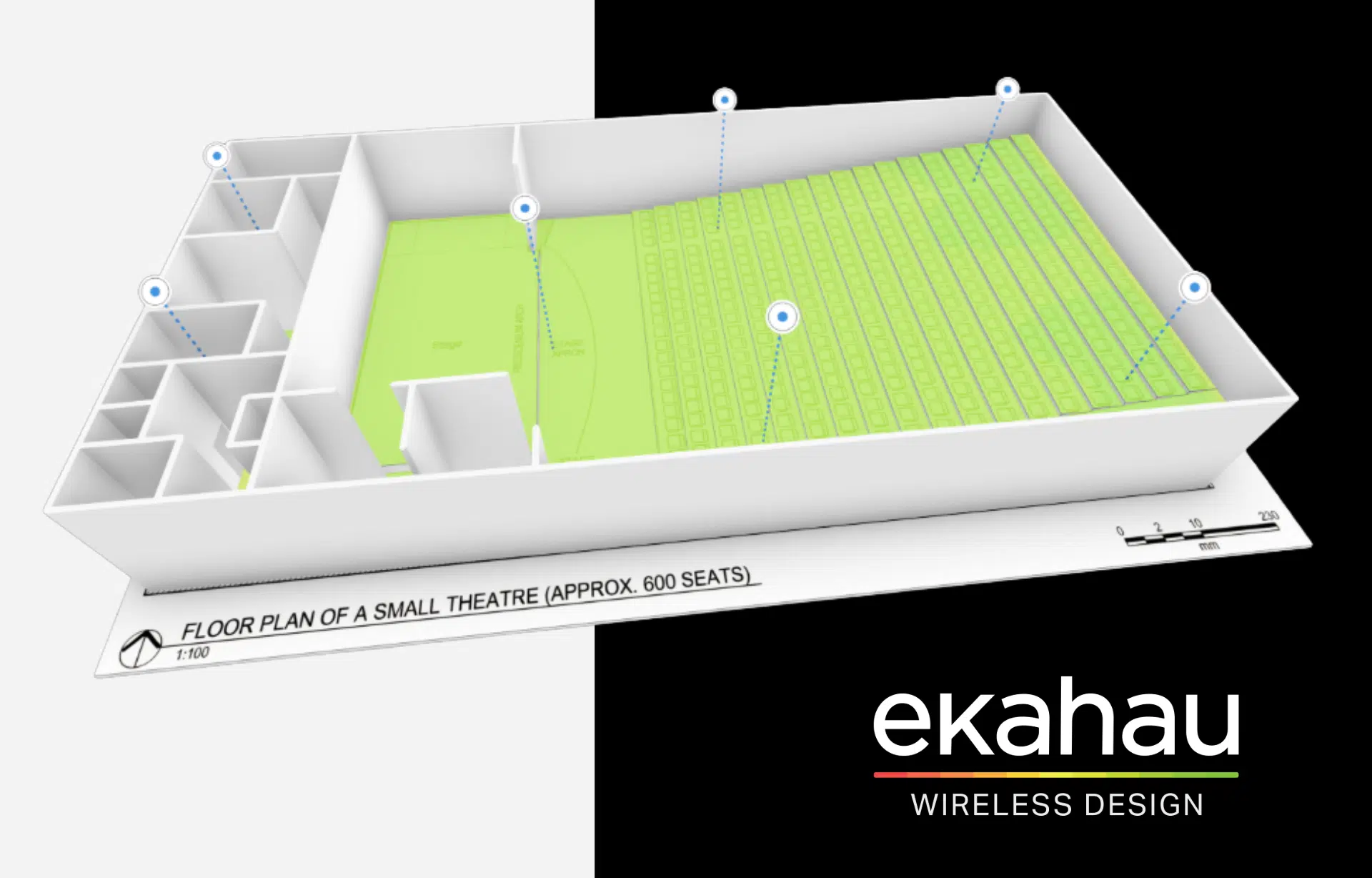
20 Oct Ekahau AI Pro Online 2026
Wi-Fi design is about more than just placing access points on a building’s floor plan. It also involves predicting signal behavior, accounting for physical obstacles, analyzing existing infrastructure, and ensuring that the design meets users’ requirements.
Ekahau continues to enhance AI Pro Online, its browser-based tool for wireless network design and analysis. The updates introduced in 2026 focus on three key areas: more accurate environmental modeling, easier planning and optimization of existing networks, and better visibility into survey results.
What exactly has changed, and which features are worth exploring?
1. Surveying a Network Is One Thing. Planning Changes Is Another.
Imagine this scenario: you’re conducting a site survey of an existing Wi-Fi network, identify a coverage issue, and want to see whether moving an access point could improve the situation.
However, you still need to be able to compare your planned changes with the actual state of the network.
In its September 16, 2026 update, Ekahau introduced two view modes for projects containing survey data:
- Measured Mode – displays actual survey results. AP positions and configurations remain unchanged, reflecting the original survey data.
- Design Mode – allows you to plan modifications to an existing network and predict their impact on signal propagation using an AI/ML-based model.
Why does this matter?
Network designers can work with real-world survey data while testing different scenarios for potential improvements. This keeps actual measurement results clearly separate from simulations of planned configurations.
It’s particularly useful when upgrading an existing network, where the goal isn’t to start from scratch but to find ways to improve what’s already in place.
2. Wi-Fi Signals Don’t Always Travel in a Straight Line
Walls, pillars, warehouse shelving, and other structural elements affect how radio waves propagate. Another important factor is diffraction, the bending of radio waves around obstacles.
With the latest update, Ekahau AI Pro Online allows users to analyze signal diffraction paths in simulated projects.
By enabling the appropriate options in the propagation model settings, designers can use the Inspect tool to examine how signals reach specific locations by bending around obstacles.
Where can this be useful?
Consider a warehouse with tall storage racks. Looking at the floor plan alone, it can be difficult to determine how physical obstacles will affect signal propagation.
The new feature enables designers to analyze these interactions in greater detail and evaluate how changes to the environmental model affect signal behavior.
While it doesn’t replace on-site measurements, it provides valuable additional insights before deployment.
3. Stairs, Ramps, and Stadium Seating – Wi-Fi Design in Three Dimensions
Not every building has a simple layout or flat floors.
Arenas, stadiums, auditoriums, and multi-level buildings require designers to account for elevation changes and complex architectural features.
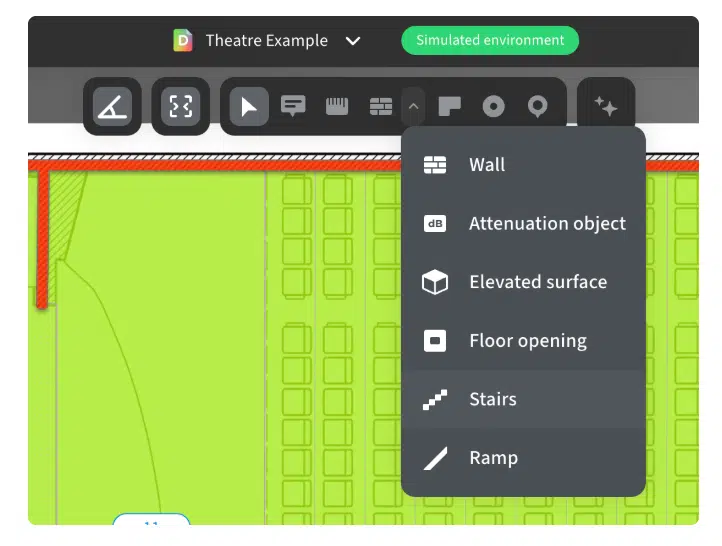
In July 2026, Ekahau expanded its 3D modeling capabilities with:
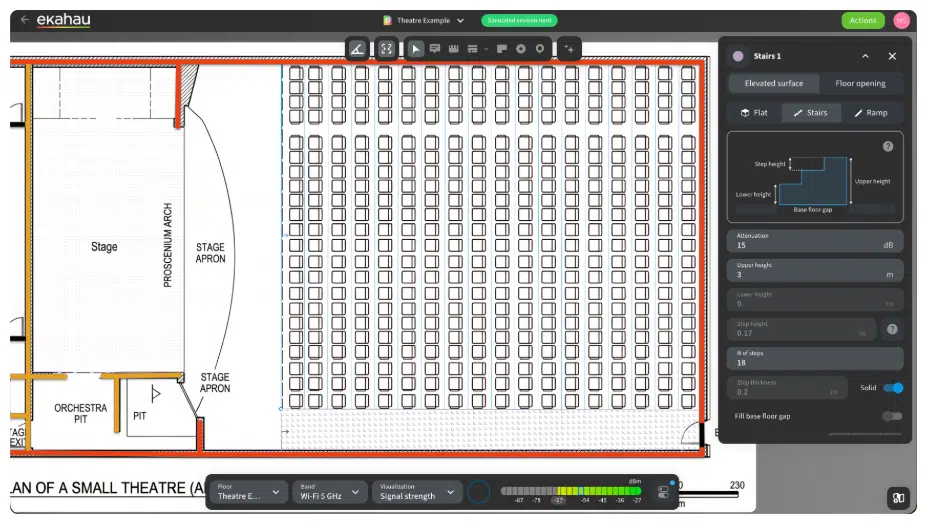
- Automatic Seating Row Generation – instead of manually drawing each row, designers can define the seating area, heights, and steps.
- Auto Stairs – automatic stair detection and modeling, with customizable parameters.
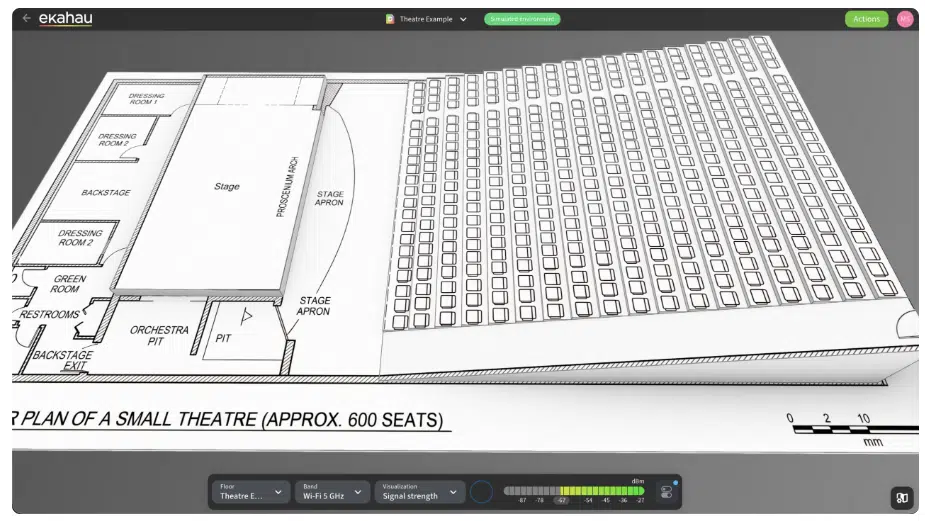
- Ramps – the ability to model ramps and sloped surfaces.
These features reduce the amount of repetitive work involved in creating an accurate 3D model of a building.
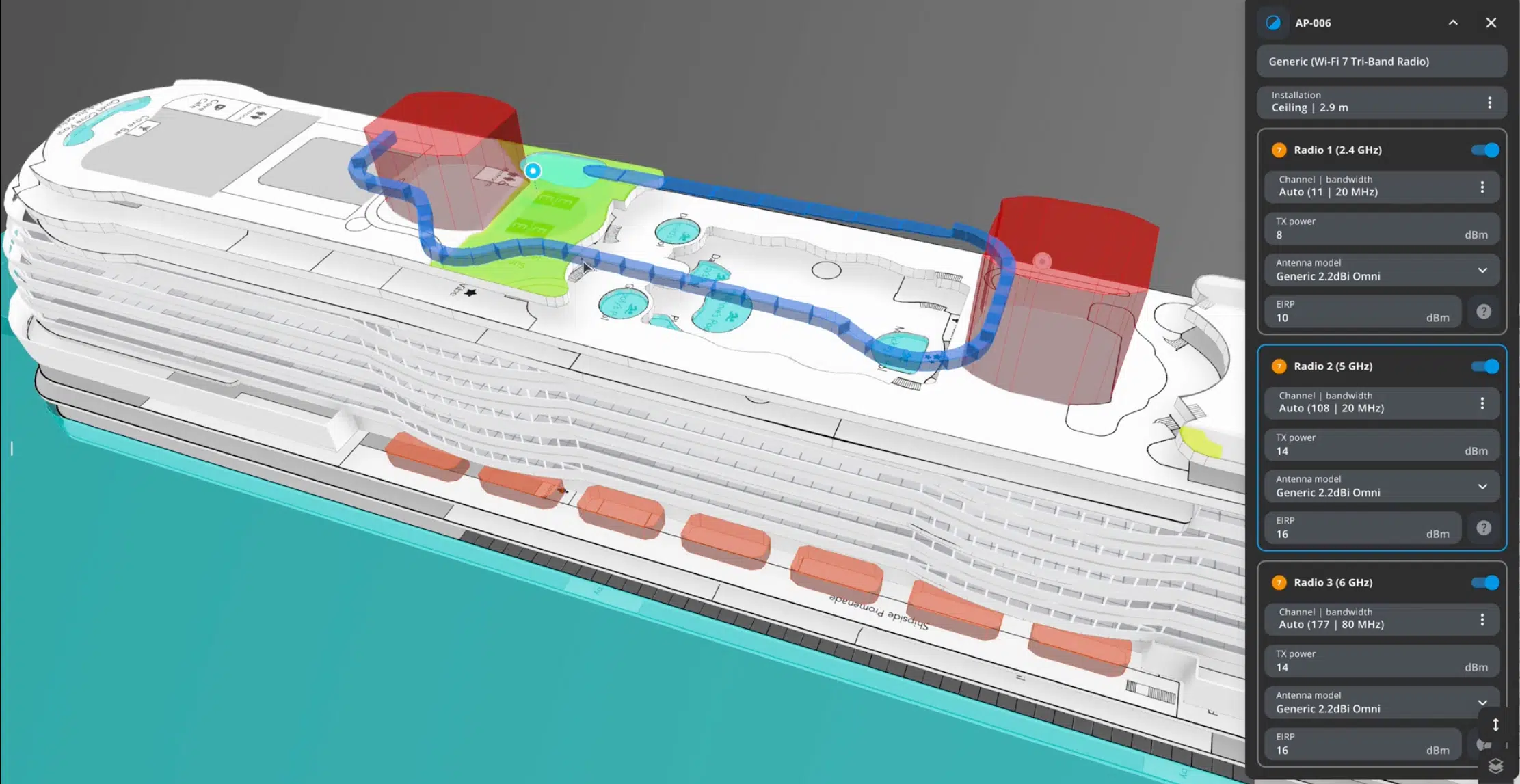
More importantly, incorporating architectural details allows designers to create a more realistic representation of the RF propagation environment.
Practical example: Designing Wi-Fi coverage for stadium seating. Elevation changes, stairways, and seating arrangements can all affect how wireless signals propagate. A 3D model allows designers to account for these factors during the design phase, before deployment begins.
4. Beyond Wi-Fi: Greater Visibility into UWB and BLE
Modern wireless infrastructure increasingly supports more than one radio technology.
Warehouses and hospitals are good examples, where asset tracking and location services are often used alongside Wi-Fi.
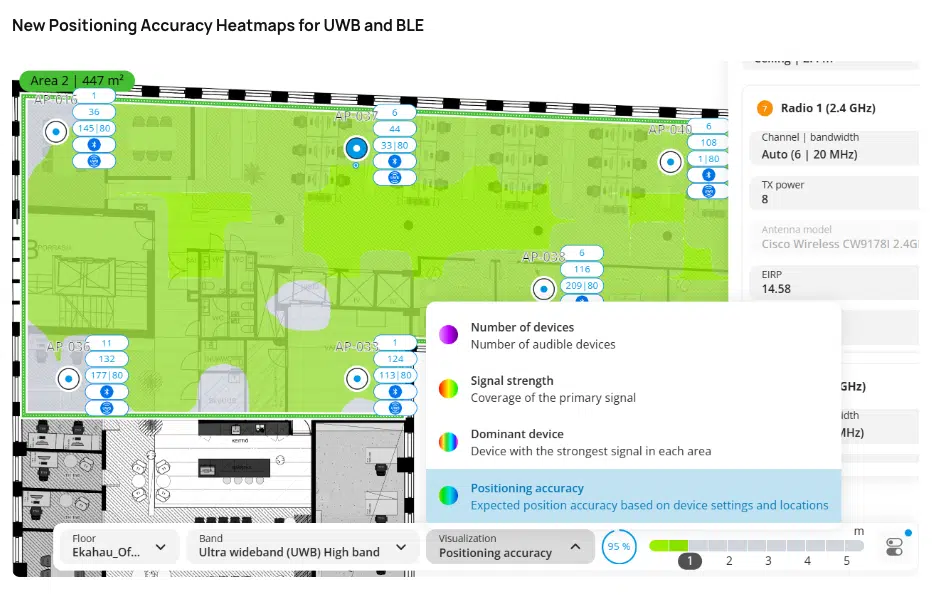
In February 2026, Ekahau introduced new positioning accuracy heatmaps for two technologies:
- UWB (Ultra-Wideband) – used for applications requiring highly accurate positioning and location tracking.
- BLE (Bluetooth Low Energy) – commonly used for location services and communication with low-power devices.
These heatmaps allow network designers to evaluate the expected positioning accuracy before deploying the infrastructure, using compatible access points equipped with UWB or BLE capabilities.
This represents another step towards designing multiple wireless technologies within a single environment, rather than treating them as completely separate systems.
5. Did the Survey Actually Cover the Entire Required Area?
Conducting a Wi-Fi site survey is one thing. Documenting how much of the site was actually surveyed is another.
One of the features introduced in February 2026 is Survey Coverage Percentage.
This metric calculates the percentage of the user-defined requirement area that was covered during the physical survey.
Why is it useful?
It helps assess the completeness of a site survey and identify areas that may require additional measurements.
In large facilities such as warehouses, logistics centers, or office complexes, this can be valuable for both the team conducting the survey and the customer reviewing the final documentation.
It’s important to remember, however, that survey completeness is not the same as network quality. These are two distinct aspects of network validation.
6. Less Searching, More Analyzing
Not all important updates are directly related to signal propagation.
Ekahau has also introduced improvements to make everyday project work easier and more efficient.
These include:
- Searching and filtering access points by name, model, or frequency band;
- Searching for environmental elements such as walls and surfaces;
- A centralized overview of project metrics in the Site Dashboard;
- Improved management of notes and attachments;
- The ability to view Speedtest results directly in AI Pro Online.
In large projects involving numerous access points and structural elements, these improvements can significantly reduce the time spent navigating through project data.
What Do These Updates Mean for Wi-Fi Designers?
Looking at the direction in which Ekahau AI Pro Online is evolving, several clear priorities emerge.
First – greater use of real-world survey data. Planning network upgrades no longer has to rely solely on theoretical building models.
Second – more detailed environmental modeling. 3D modeling and diffraction analysis help designers better account for the physical conditions in which wireless networks operate.
Third – easier validation and documentation. Designers have more tools to verify whether their surveys and network designs meet the defined requirements.
However, regardless of how advanced the software becomes, one principle remains unchanged: good Wi-Fi design requires a thorough understanding of the environment, client devices, and how the network will be used.
Tools support better decision-making, but they don’t replace the expertise needed to interpret the results correctly.
Want to Explore Ekahau’s Capabilities in Your Environment?
At Kappa Data Polska, we help partners and system integrators select the right Ekahau tools for Wi-Fi network design, site surveys, and troubleshooting.
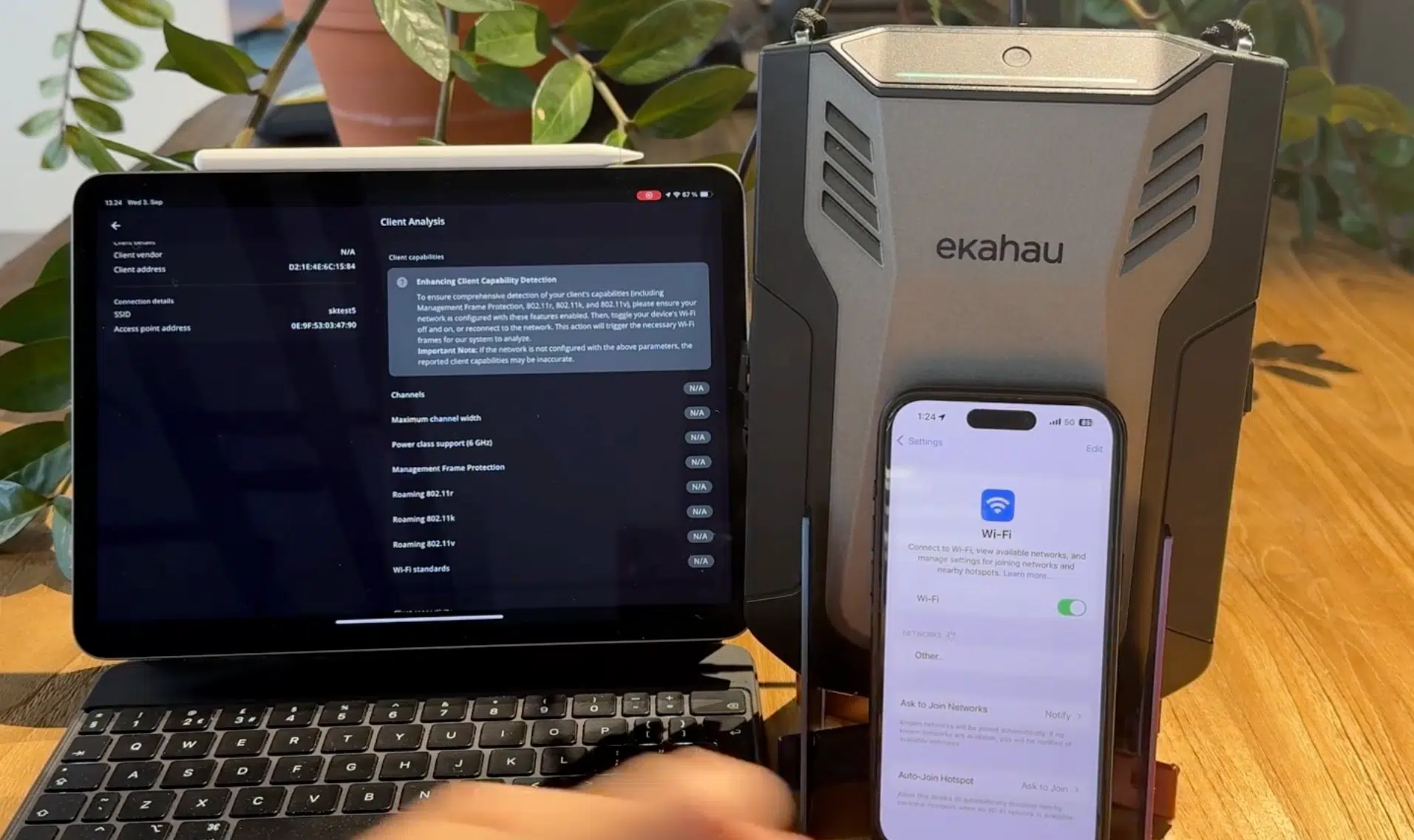
If you’d like to learn more about Ekahau AI Pro Online or Ekahau Sidekick 2, get in touch with our team.