



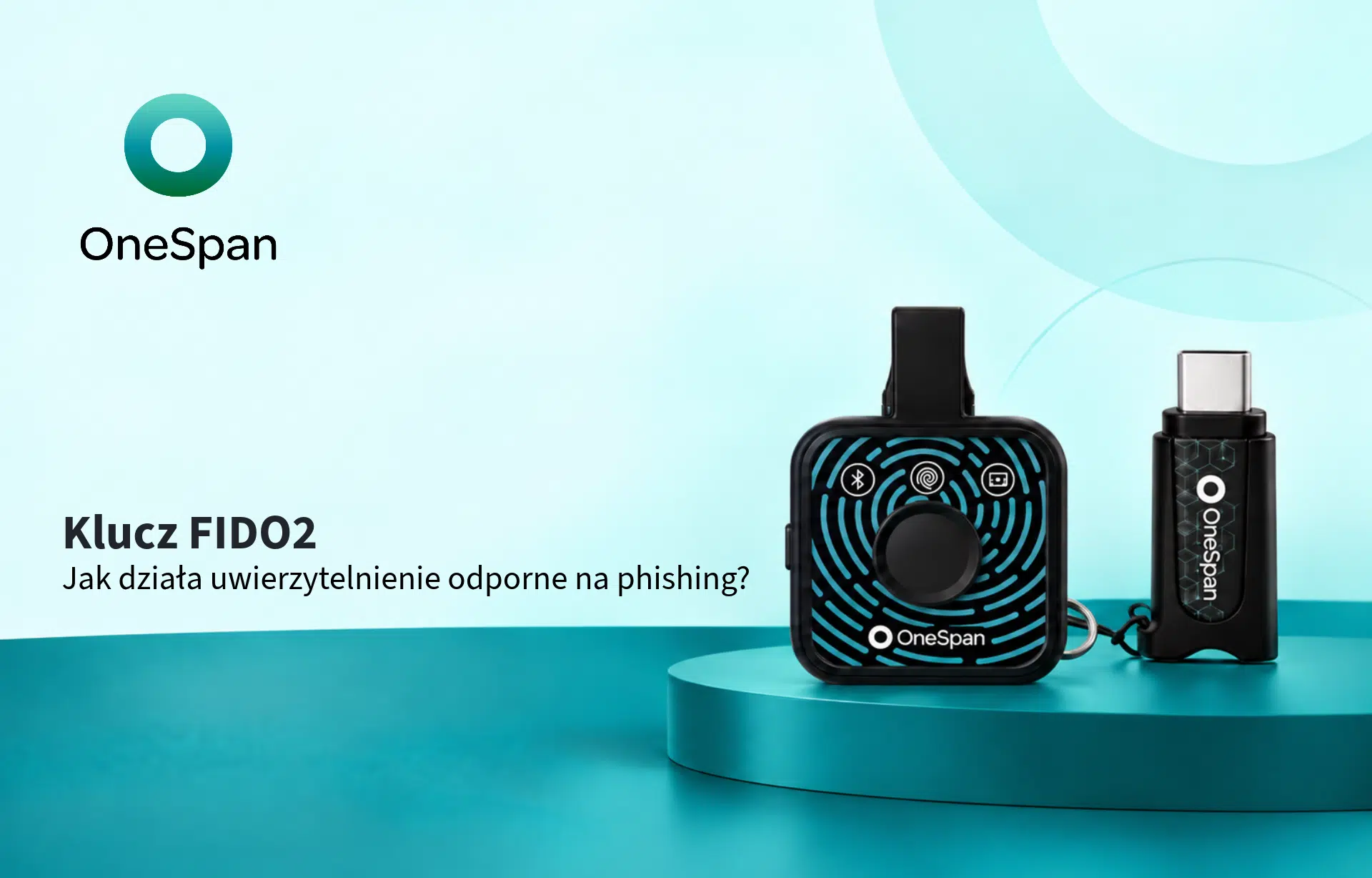
17 wrz FIDO2 Security Key: What Is It and How to Implement It in Your Company?
A FIDO2 security key is a physical security key that uses public key cryptography to verify a user’s identity. It can enable passwordless sign-in and reduce the risk of phishing because the user does not provide a website with a password or one-time code.
FIDO2 keys can secure access to corporate accounts, cloud services, and applications, including environments such as Microsoft Entra ID. For organizations, they are one way to move from traditional passwords and OTP codes to stronger authentication.
What is FIDO2?
FIDO2 is an open authentication standard based on public key cryptography.
It consists of two main components:
- WebAuthn, which allows applications and websites to use cryptographic credentials,
- CTAP, which enables communication with an external authenticator, such as a physical security key.
In simple terms:
FIDO2 = WebAuthn + CTAP
How does a FIDO2 security key work?
When the key is registered with a service, a cryptographic key pair is created.
The public key is stored by the service.
The private key remains on the device.
During sign-in, the system sends a cryptographic challenge that is signed locally by the security key. The user may also confirm the operation by using:
- a touch on the security key,
- a PIN,
- a fingerprint,
- another method supported by the device.
The password and biometric data do not need to be sent to the service.
Why is FIDO2 resistant to phishing?
With traditional authentication, a user may enter a password or OTP code on a fake website.
FIDO2 works differently because the credential is bound to a specific service or domain.
This means the user does not have a secret that can simply be copied and given to an attacker. This is why FIDO2 is used as a phishing-resistant authentication method.
However, FIDO2 does not eliminate every possible way an account can be compromised. Account recovery procedures, device security, and session management still remain important.
Can FIDO2 be used for passwordless sign-in?
Yes.
FIDO2 can support fully passwordless authentication.
The user may still use a PIN or biometric verification, but these are used to unlock the authenticator locally. They are not traditional passwords sent to a server.
FIDO2 security key vs. passkey
These terms are related, but they do not mean exactly the same thing.
A passkey is a credential based on FIDO standards. A FIDO2 security key is one of the devices on which such a credential can be stored.
A passkey can be:
- stored on a physical security key,
- bound to a specific device,
- synchronized across multiple devices.
This means that not every passkey is stored on a physical FIDO2 security key.
FIDO2 vs. traditional MFA
SMS codes, OTP codes, and push notifications improve security compared with password-only authentication, but users can still be tricked into providing a code or approving a fraudulent request.
With FIDO2, there is no code that the user can copy into a phishing website.
This is why FIDO2 security keys are particularly useful when phishing resistance is the priority, rather than simply adding another authentication factor.
When should you use a FIDO2 security key?
A physical FIDO2 security key can be particularly useful for:
- administrators,
- privileged accounts,
- IT and security teams,
- remote employees,
- users with access to sensitive data,
- organizations implementing passwordless authentication,
- environments with higher security requirements.
In these cases, a physical security key gives the organization additional control over where the authentication credential is stored.
Does FIDO2 work with Microsoft Entra ID?
Yes. Microsoft Entra ID supports physical FIDO2 security keys and passkeys.
This allows organizations using Microsoft environments to deploy FIDO2 as part of a passwordless and phishing-resistant authentication strategy.
What happens if a user loses the key?
This question should be addressed before deployment.
The organization should prepare:
- a second registered security key or another approved authentication method,
- a procedure for reporting a lost key,
- the ability to revoke a lost device,
- a secure account recovery process.
FIDO2 is therefore not only about choosing the right device. It also requires managing the entire lifecycle of the authenticator.
How to choose a FIDO2 security key
When choosing a FIDO2 security key, it is worth checking:
- compatibility with the systems you use,
- USB-A or USB-C connectivity,
- NFC or Bluetooth support,
- the option to use a PIN or biometric verification,
- supported FIDO standards,
- how lost and replacement devices are managed.
A different model may be suitable for an infrastructure administrator than for an employee who only uses basic business applications.
How to start implementing FIDO2 in your organization
It is better not to start with the question:
“Which security key should we buy?”
First, you should define:
Who do we want to protect?
Administrators, selected groups, or all employees?
Which systems do users need to access?
Microsoft Entra ID, SaaS applications, VPN, or other services?
What problem do we want to solve?
Phishing, passwordless authentication, protection of privileged accounts, or specific security requirements?
What happens if a user loses the key?
The account recovery process should be planned before deployment.
Only then does it make sense to select a specific device.
Kappa Data can help you choose the right FIDO2 solution
Are you planning to implement FIDO2 security keys, passwordless authentication, or phishing-resistant authentication?
Kappa Data helps partners and organizations choose the right authentication model, devices, and deployment approach based on their environment, users, and required level of security.
Contact Kappa Data and tell us about your project.
FAQ: FIDO2 security keys
What is a FIDO2 security key?
A FIDO2 security key is a physical authenticator that uses public key cryptography. It can enable passwordless sign-in and phishing-resistant authentication.
Can FIDO2 replace passwords?
Yes. FIDO2 supports passwordless scenarios where a traditional password is not required.
Does a FIDO2 security key protect against phishing?
FIDO2 is designed so that the credential is bound to the legitimate service, which means the user does not provide an attacker with a password or OTP code.
Are FIDO2 and passkeys the same thing?
No. A passkey is a credential based on FIDO standards. A physical FIDO2 security key can be one of the places where that credential is stored.
Does a FIDO2 security key work with Microsoft Entra ID?
Yes. Microsoft Entra ID supports physical FIDO2 security keys and passkeys.
Are you planning to implement FIDO2 or passwordless authentication?
Kappa Data can help you select the right authentication model and security key for your environment, users, and required level of protection.
Contact Kappa Data